How Screenwriters Collaborate on a Script - Lowerated


By Muhammad Wisal and Muhammad Ali / 4 min read
When people think of writing a screenplay, they often imagine one person, locked in a room, hammering out a story from start to finish. But that’s not how it really works, especially in professional filmmaking.
I will finish this script today - trust me bro
Scripts are living documents, shaped by a lot of voices. Writers, co-writers, producers, directors, editors, and sometimes even actors get involved in shaping what ends up on screen.
In this post, we’ll look at how screenwriters actually collaborate on scripts in the industry, the challenges of doing it manually, and how Lowerated was built to make that entire process smoother and cleaner.
Collaboration in the Real World: How It Actually Happens
Screenwriting, especially for films or episodic work, is rarely solo. In reality, it usually unfolds in one of these ways:
1. Co-Writing from the Start
Sometimes two or more writers team up from the beginning. They brainstorm the idea together, break down the story, and split the writing by sequences or scenes.
This process often involves:
- Shared Google Docs or collaborative writing tools.
- Video or in-person sessions to write together.
- Ping-ponging drafts back and forth for review.
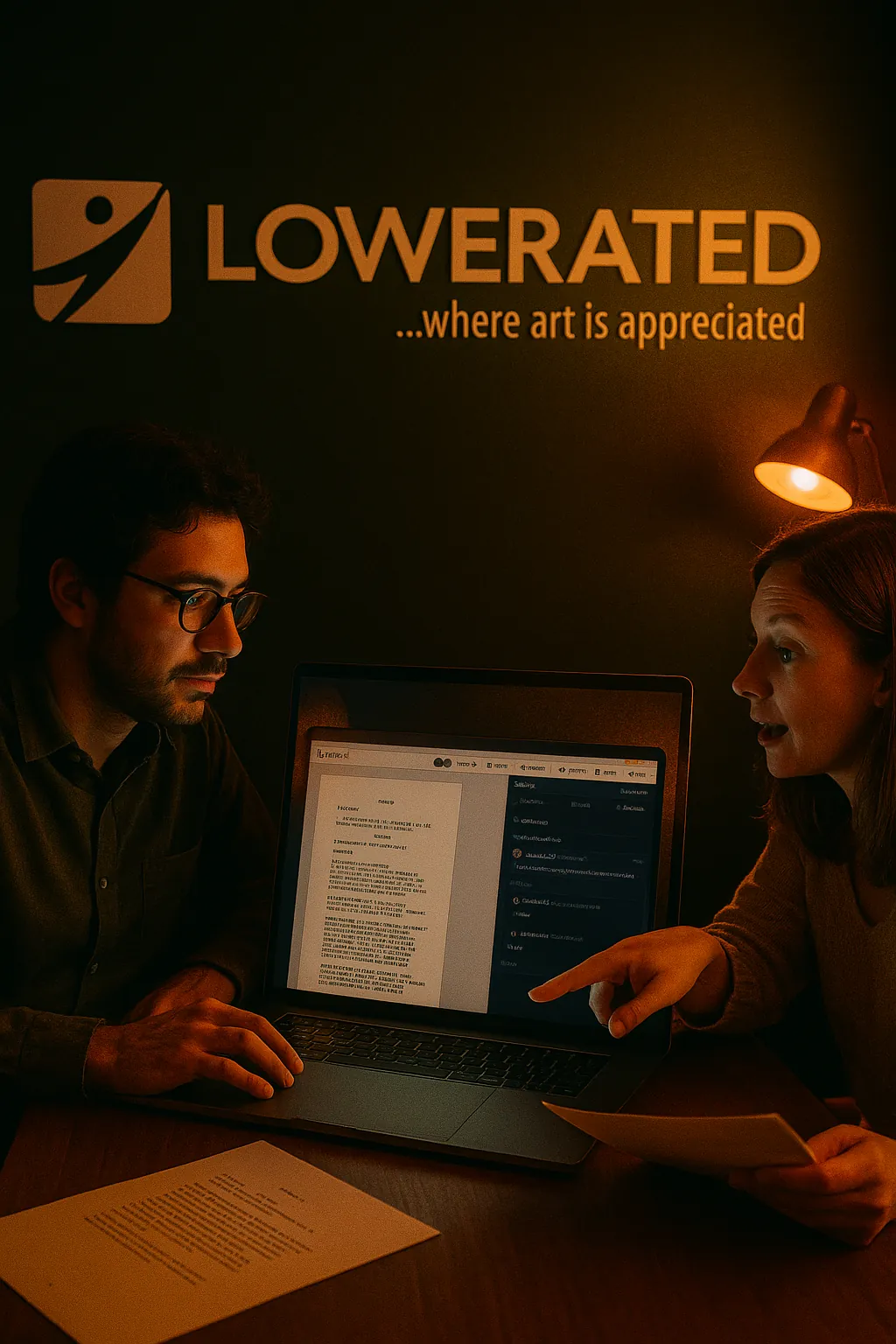
Should the character wear a wig or no? tough decisions
2. Solo Writing with Peer Feedback
More commonly, a single writer works alone on the first draft and then starts collecting feedback from trusted people. These could be:
- Fellow writers
- Script consultants
- Producers or directors
- Friends with good story sense
Feedback is usually very scene-specific. People don’t say "make it better"; they highlight exact lines and ask things like:
“Does this line feel in character?”“Could this scene be moved later?”“We already know this info, can it be cut?”
These comments are most useful when they’re tied directly to the script.
Once the script enters pre-production, collaboration ramps up. Producers, directors, and department heads start weighing in.
- The line producer might flag scenes that are too expensive. (Element Tagging)
- The director may request more visual storytelling.
- The casting team might need character tweaks.
And every one of those changes needs to go into the script, and be tracked.
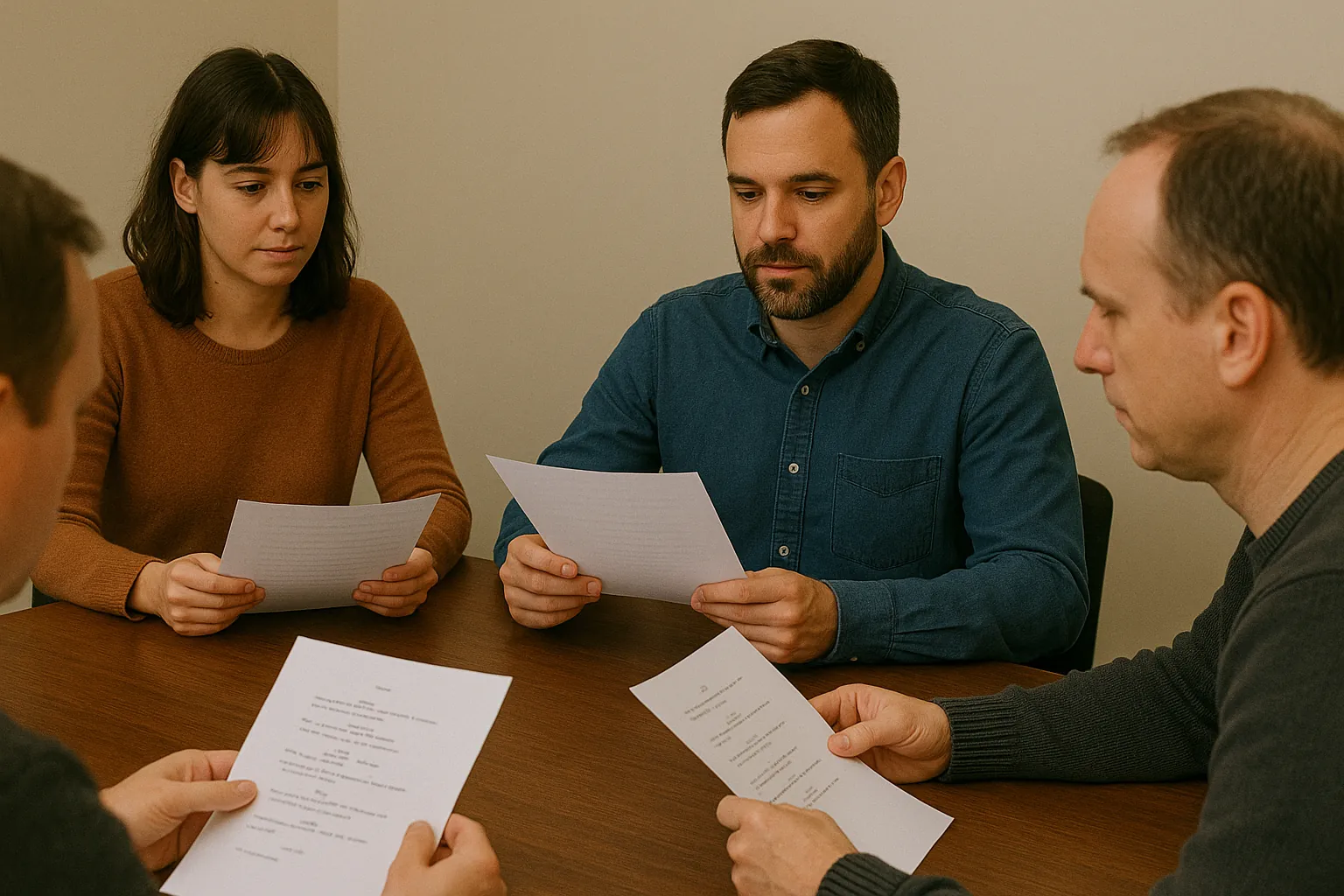
They be reading scripts like that - Lowerated
4. Keeping Track of Notes, Versions, and Feedback
Without a proper tool, here’s what usually happens:
- Dozens of emails with "new draft attached"
- No clarity on which draft is the latest
- Feedback gets lost or duplicated
- People edit the wrong file
That’s where things fall apart.
What Real Collaboration Needs
To collaborate properly on a script, you need:
- Real-time co-writing (so you’re not sending files back and forth)
- Scene-level comments with threaded replies
- Role-based access (writers can edit, producers can comment only)
- Version tracking and history
- Resolved comment tracking
This is standard in tools like Google Docs for text docs, but most screenwriting tools haven’t caught up except for Studio Binder.
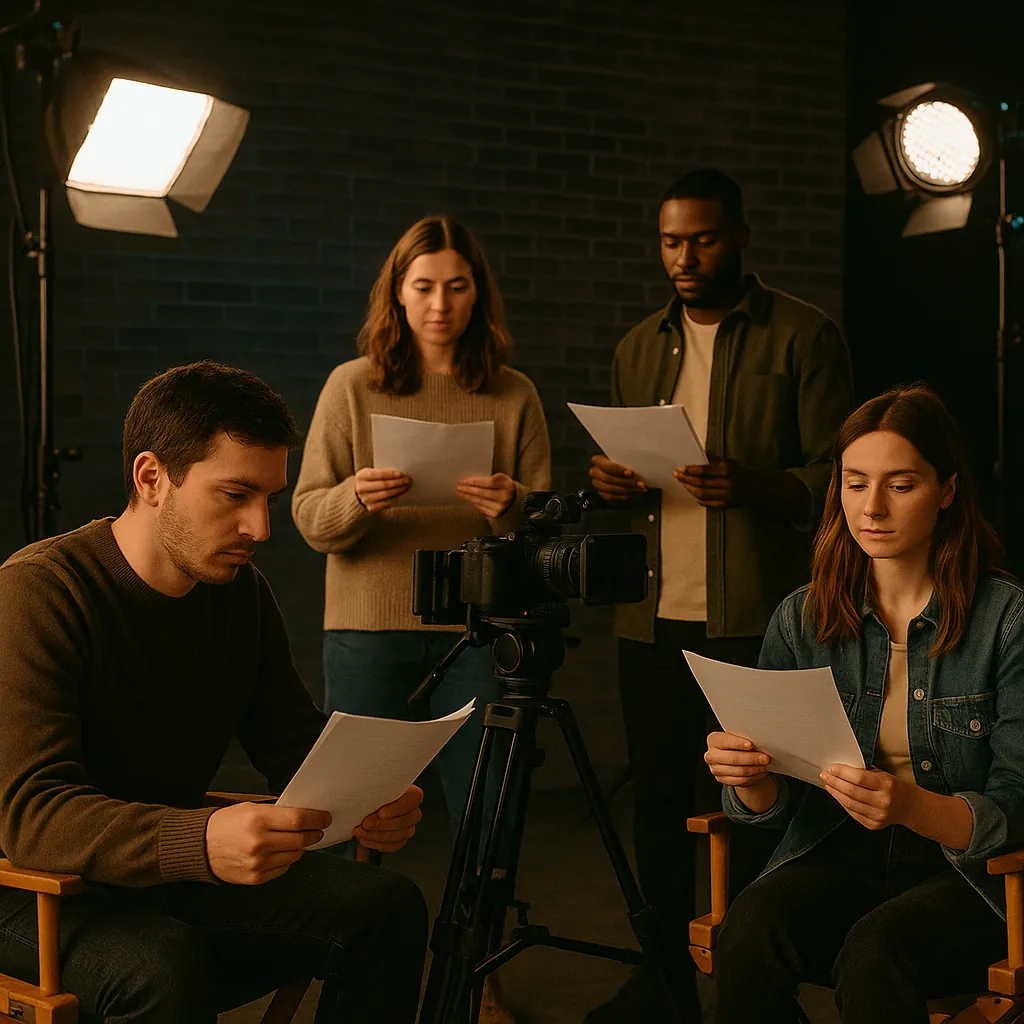
they're looking like aliens here bruv
How Lowerated Platform Handles Collaboration
We knew this was going to be a major pain point, so we built it from the start. Lowerated lets screenwriters collaborate in a way that feels natural, modern, and seamless.
Here’s what it supports:
Real-Time Co-Writing
Just like Google Docs, multiple users can open the same script and write together. You can see each other's cursors, edits happen in real-time, and everything is synced.
Inline Comments at Scene or Line Level
Select a line or a whole scene and leave a comment right there. It stays attached. That’s how meaningful feedback works.
Threaded Conversations
Every comment supports replies, so you can have full discussions within the script. This way, feedback lives with the content.
Comment Management
You can delete comments when they’re resolved or mark them as complete. No more clutter. No confusion about what’s still pending.
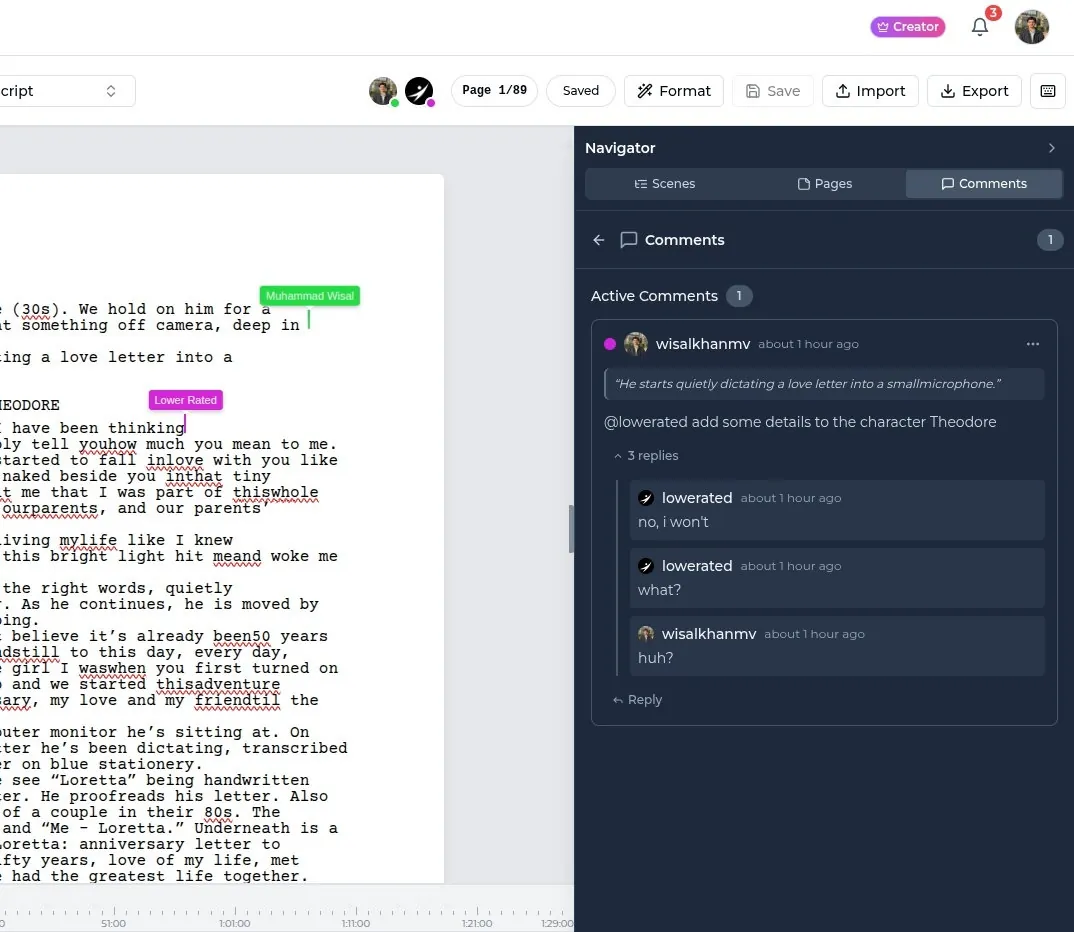
Script co-writing and collaborations - Lowerated Script Writer
Access Controls
You can invite someone to your project with comment-only access. Writers can collaborate, while producers or consultants can give feedback without changing anything.
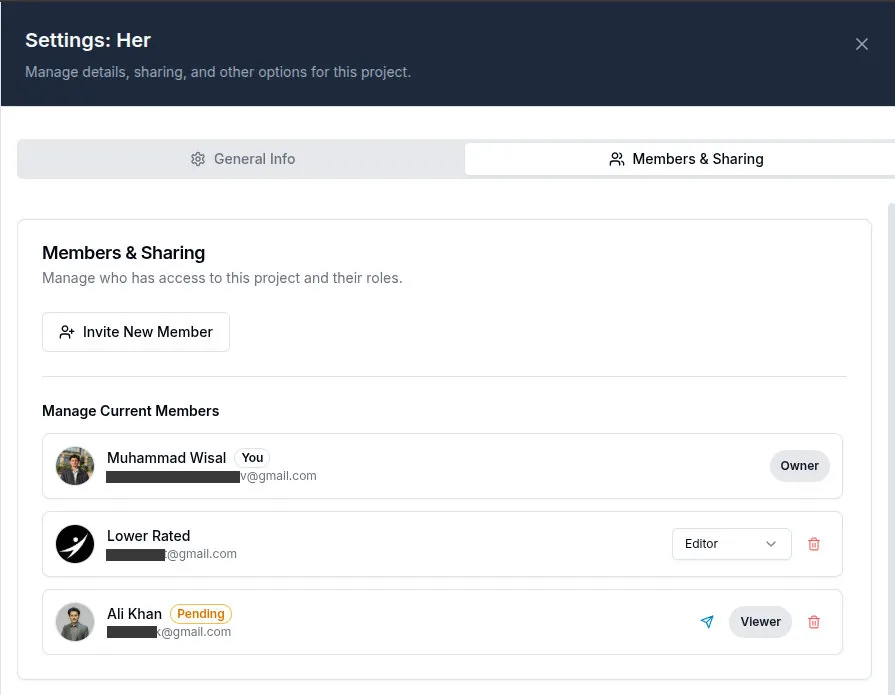
Gotta invite all the homies - Lowerated Script Writer
Best Practices When Collaborating on a Script
Whether you're using Lowerated Script Writer or not, here are a few tips that keep collaboration smooth:
- Always lock your draft before giving it out for feedback
- Set clear roles: who writes, who reviews, who signs off
- Make feedback specific and actionable
- Use one tool for all revisions. Avoid jumping between apps.
- Keep a comment history so you don’t forget what was said (and why)
Final Thoughts
No great script is created in a vacuum. And no script survives contact with a real production without feedback. Collaboration is the process.
Lowerated is built for this. For writing, rewriting , and working with others .
You bring the story. We make it easier to shape it together.
Use the Lowerated Script Writer here: https://platform.lowerated.com