From Storyboarding to Shot Lists: Turning Vision into a Plan


By Muhammad Wisal and Muhammad Ali / 3 min read
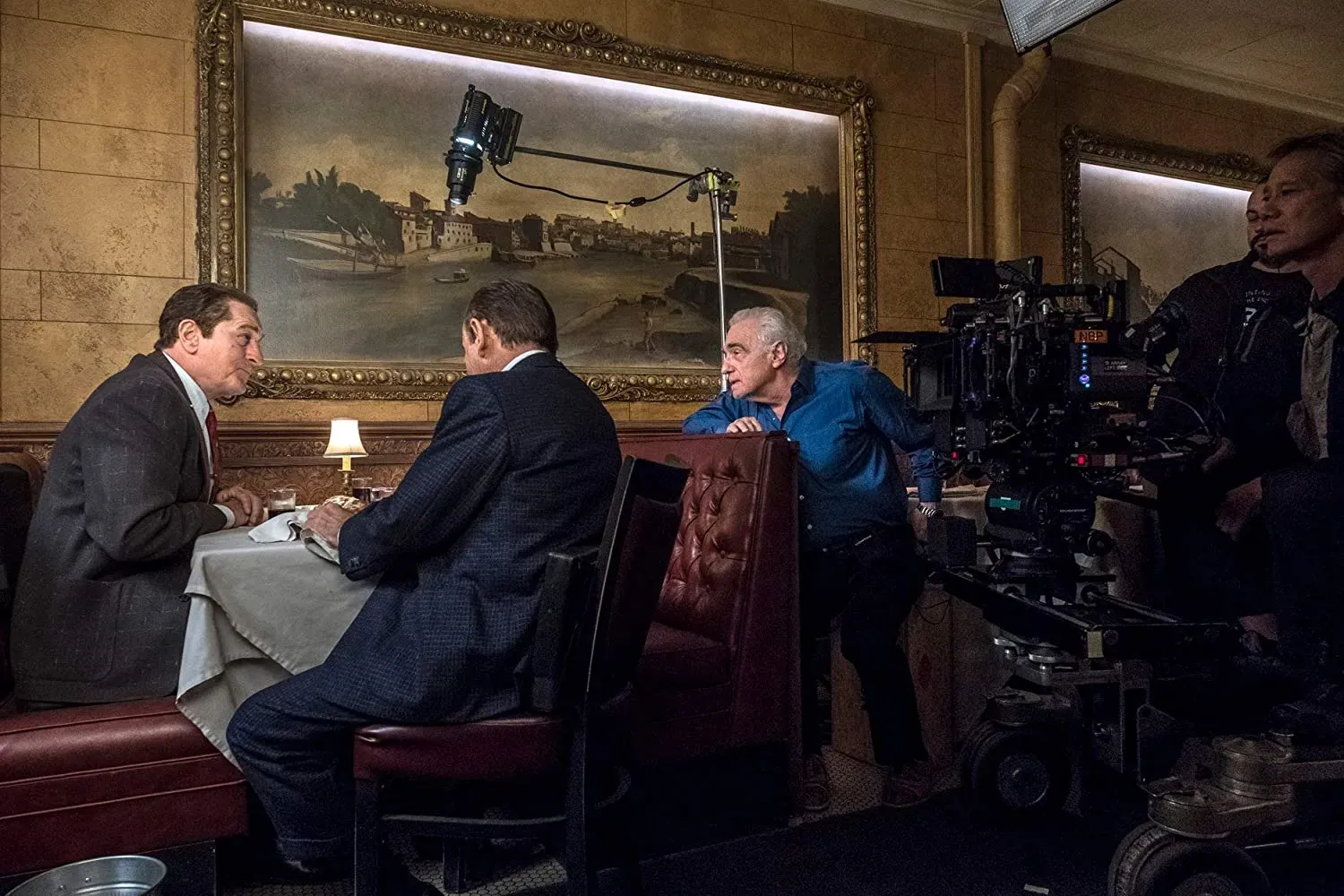
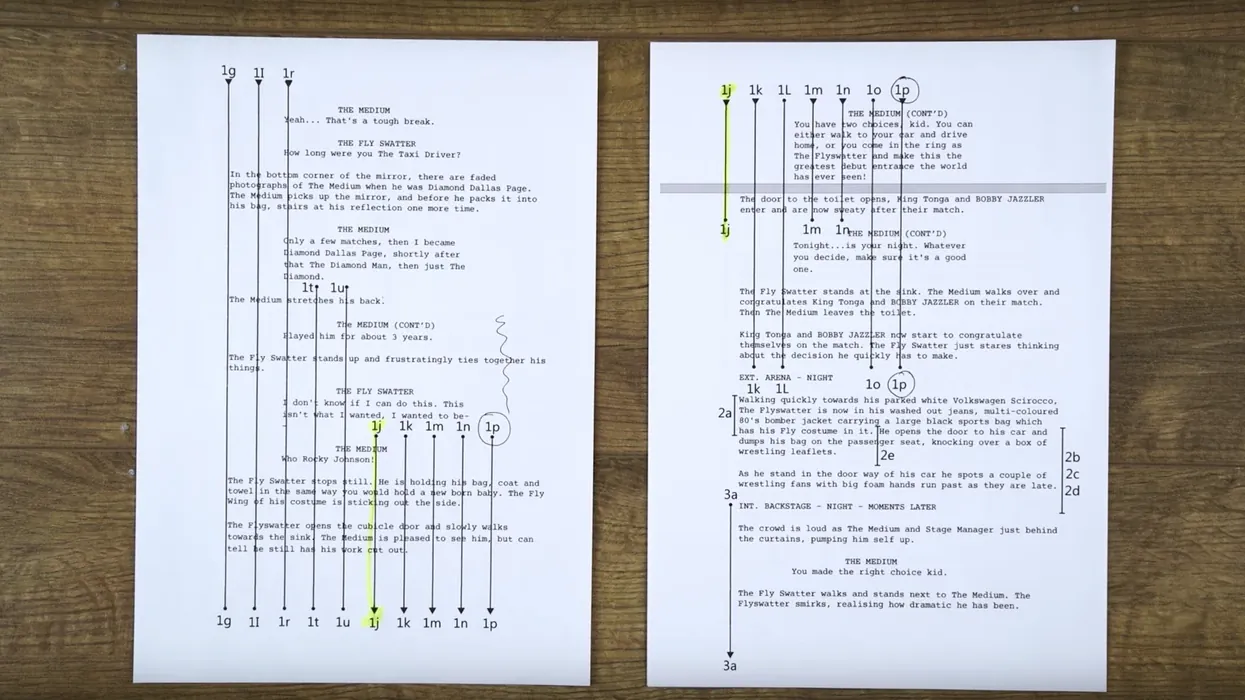
Storyboards show what a scene should feel like. A shot list turns that intent into an on-set checklist. It tells the crew what to shoot, in what order, with which lens, from which position, under which light, and how long it should take.
If storyboarding is the blueprint, then the shot list is the build order. Without it, even the most visionary scenes risk collapsing into chaos.
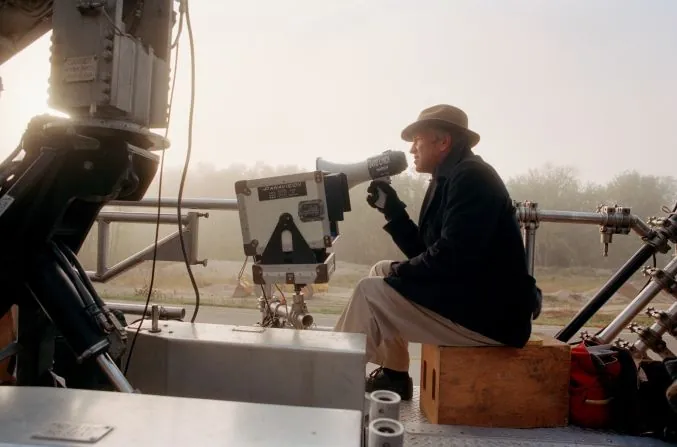
Why Shot Lists Matter
- Clarity on set: Everyone sees the same plan. Camera, G&E, AD team, sound, script supervisor. Fewer questions, faster setups.
- Scheduling accuracy: You can estimate time per shot, group shots by setup, and keep days honest. Producers love honest days.
- Coverage discipline: Decide what coverage you actually need and what you are skipping. Shoot with intention, not impulse.
- Safety and coordination: SFX, stunts, vehicles, or crowds require advance notes. A shot list keeps surprises off set.
What a Solid Shot List Includes
Professionals structure their lists with consistent, reusable fields:
- Shot number (Scene 25A, 25B, 25C)
- Scene reference (number + description)
- Type and size (wide, medium, close-up, POV, two-shot, insert)
- Camera position & angle (high, low, dutch, handheld, dolly, drone)
- Movement (static, pan, tilt, push-in, track, 360 wrap)
- Lens/focal length (24 mm wide, 50 mm neutral, 85 mm isolation)
- Composition notes (rule of thirds, symmetry, dirty frame)
- Lighting plan (low key, silhouette, backlight, practicals)
- Time of day/weather (golden hour, hard sun, rain effect)
- Location (stage, street corner, rooftop, distance from basecamp)
- Cast/background (principals, extras, lockups)
- Props & SFX (hero object, breakaway glass, smoke, squib)
- Sound notes (MOS, playback, room tone)
- Duration estimate (setup + take time)
- Priority/status (critical, planned, pick-up, dropped)
- Technical notes (VFX plate, clean plate, HDRI)
A list is useful because it is explicit. If you don’t need an item, leave it blank on purpose.
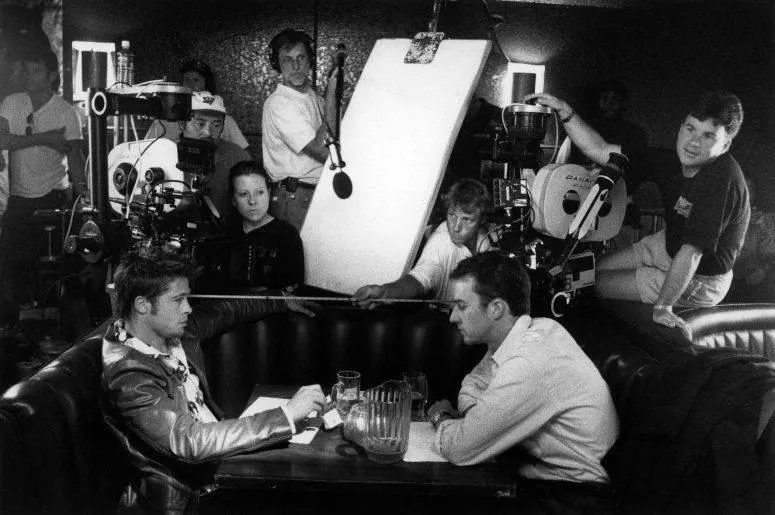
How Shot Lists Are Built in the Real World
- Read the scene: Identify dramatic beats, protect the edit.
- Group by setups: Save time by shooting everything from one camera position before moving.
- Order the day: Start with the master, slot in kids/animals early, and avoid fatigue during complex stunts.
- Estimate time honestly: 15 minutes for a static shot, 45+ for moving camera with multiple actors.
- Mark risks: Highlight smoke, rain bars, resets, vehicles, or police lockups before they stall the day.
Common Mistakes
- Listing coverage you’ll never have time to shoot.
- Overusing one lens/angle so the edit feels flat.
- Forgetting inserts (phone screens, key props, POVs).
- Not labeling eyelines, forcing reshoots.
- Mixing day/night in the same move.
- Renumbering shots until continuity reports break.
Shot Lists Inside Lowerated
Lowerated brings storyboarding and shot listing under one roof so nothing drifts.
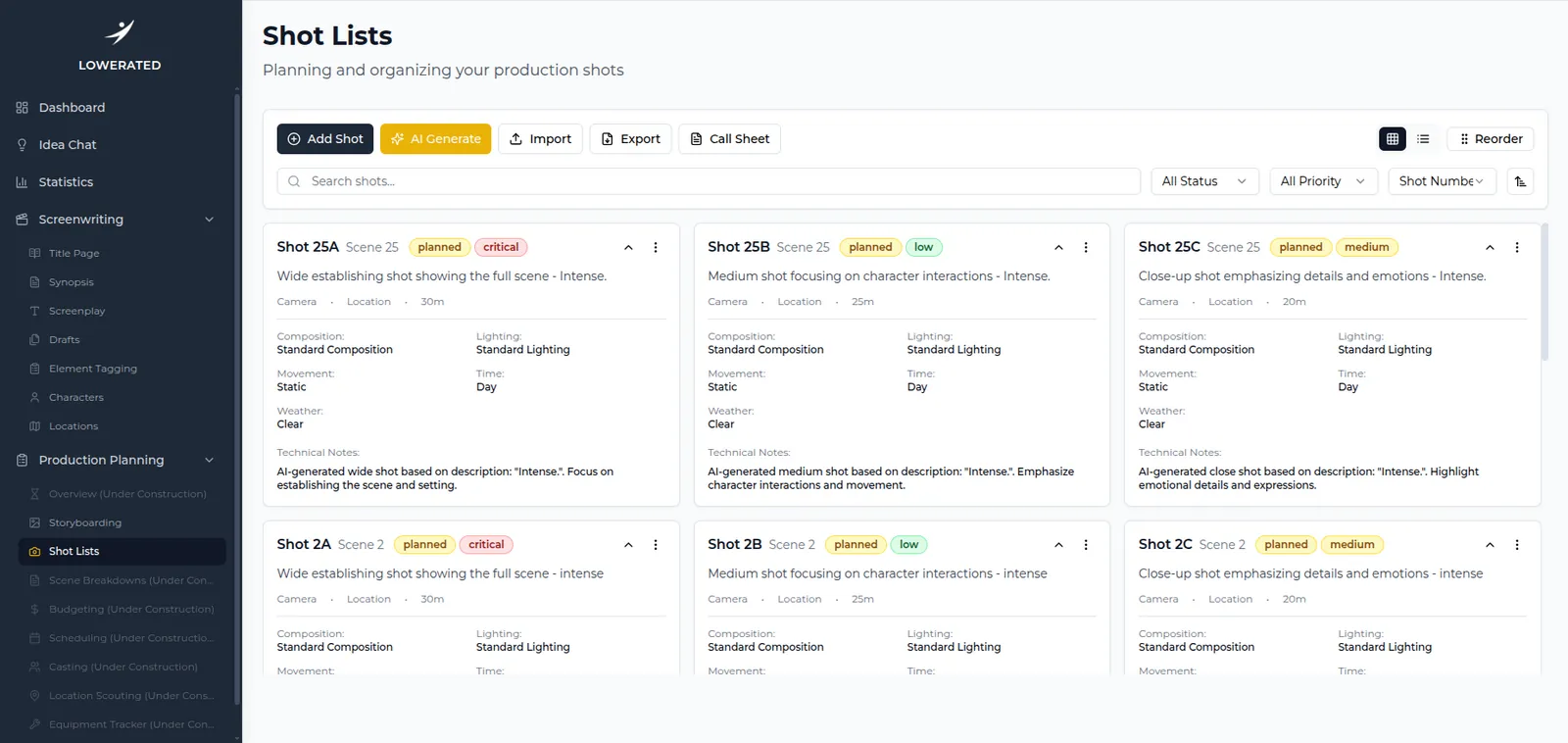
A) AI-Generate Shot Lists
- Select scenes (pulled directly from your script).
- Choose number of shots per scene.
- Add a creative brief (text or voice).
- Preview and generate shot cards.
The AI proposes shot type, composition, movement, lighting, and technical notes. You keep full control and refine.
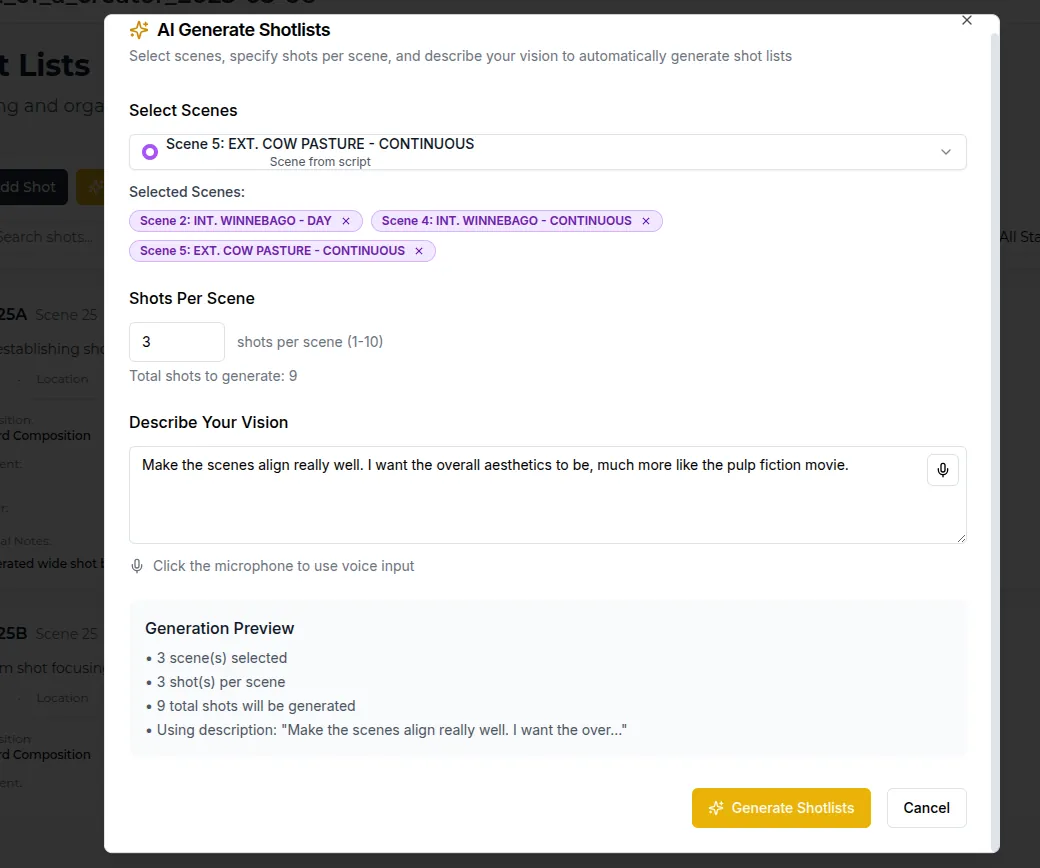
B) Work with the List
- List or Grid view with filters and reorder.
- Inline edits for composition, movement, lighting.
- Priority & status tags for ADs and call sheets.
- Direct call sheet link so the day’s work is grounded in the plan.
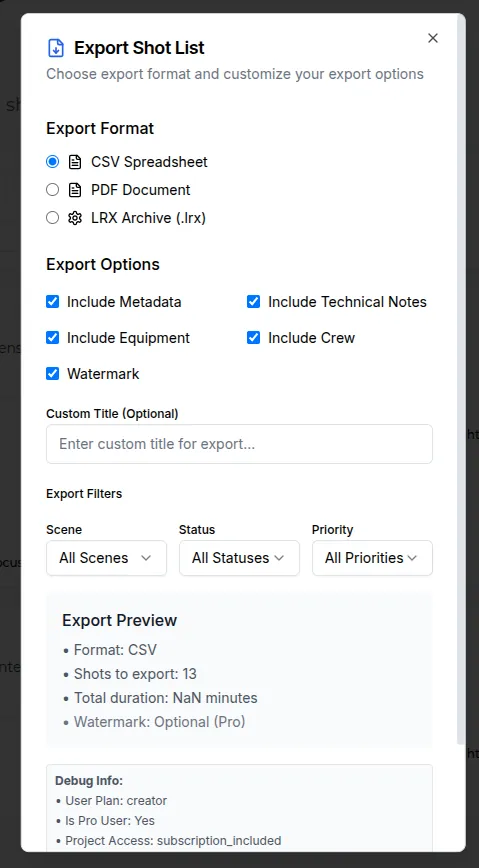
C) Export & Import
- CSV for ADs and coordinators.
- PDF for DPs and department heads.
- LRX Archive to share with collaborators inside Lowerated.
Imports from spreadsheets keep a single source of truth; no retyping needed.
Field Tips for Better Shot Lists
- Protect the edit: guarantee clarity, then add “spice shots” if time allows.
- Group by light and lens to minimize resets.
- Mark eyelines to avoid awkward reverses.
- Write the insert list (door knobs, phone screens, evidence).
- Flag resets (blood, food continuity, smashed props).
- Keep durations honest and own a “drop list” for shots you can lose without killing the story.
How Shot Lists Connect to Everything Else in Lowerated
- Storyboards: Shot lists link directly to boards, so changes sync.
- Scheduling: Filter by scene/status to build the day.
- Budgeting: Automatic counts of night shots, VFX plates, extras.
- Call sheets: Export the day’s shots with cast, crew, and locations.
Wrap-Up
A shot list is not busywork; it’s the plan your day runs on. It tells everyone what to build, where to point, and when to move.
Lowerated makes shot listing simple:
- Generate a first pass with AI.
- Refine with your creative input.
- Reorder, set priorities, and export to CSV, PDF, or LRX.
The result? Shot lists that crews actually use; and a production that stays aligned from script to screen.