Script Revision Colors Explained


By Muhammad Wisal and Muhammad Ali / 6 min read
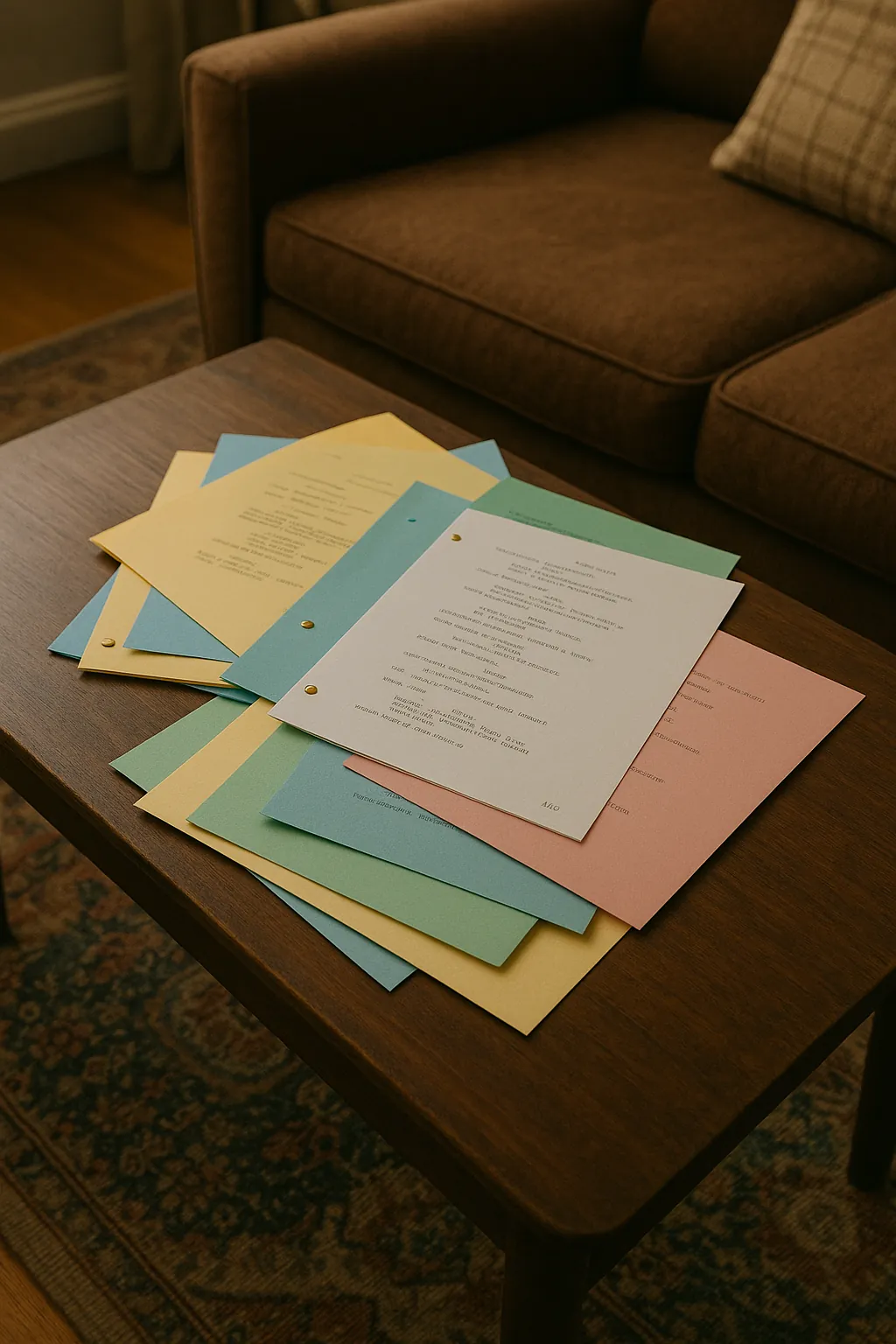
Script revision colors are a standard sequence of page colors that show which version of a shooting script each page belongs to. The usual order starts with white, then blue, pink, yellow, green, goldenrod, buff, salmon and cherry. Each time changes go out, only the changed pages are reissued on the next color, so everyone can see at a glance whether their script is current.
What are screenplay revision colors?
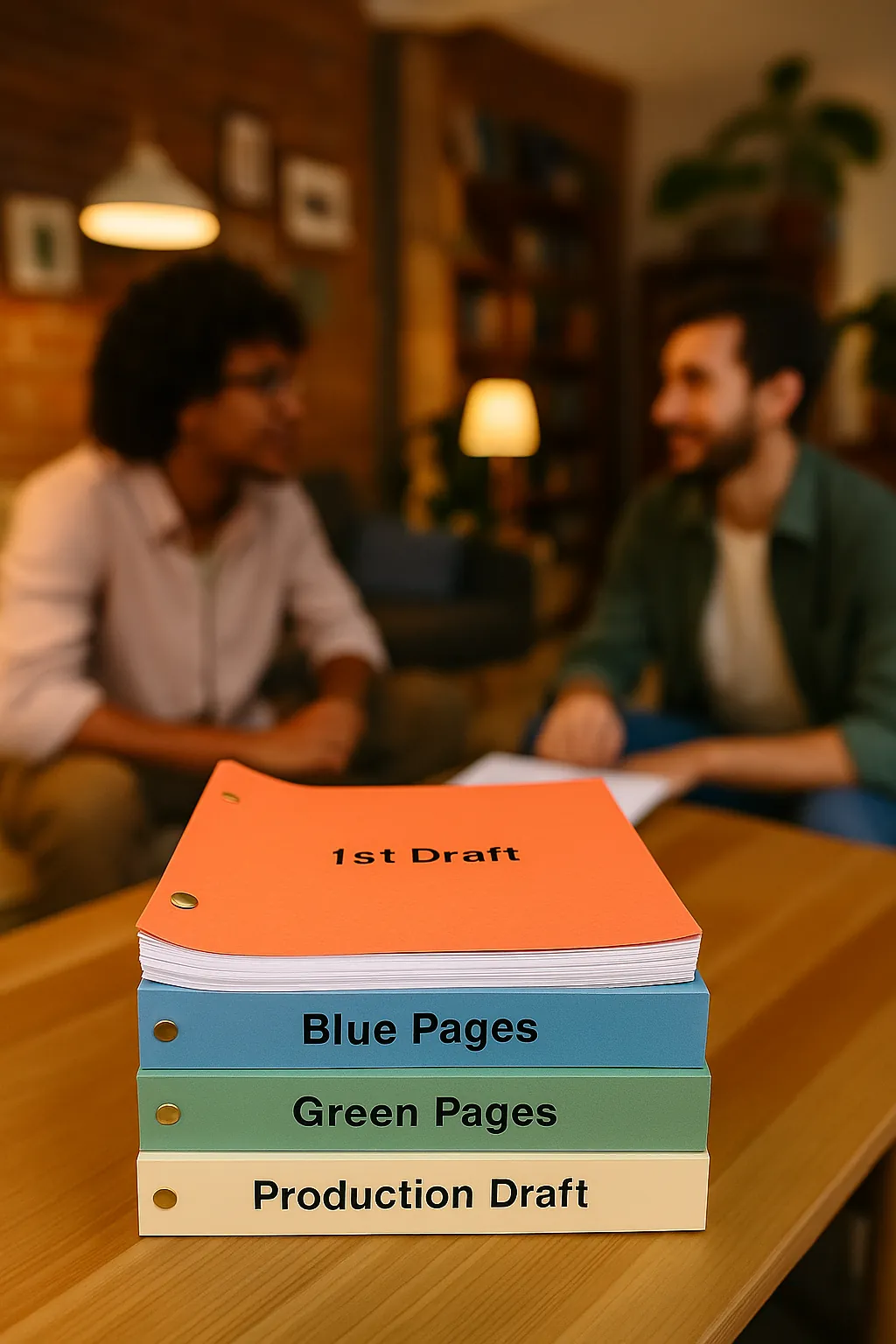
Revision colors are a way of tracking changes to a script once a production is using it. Before that point, a writer's drafts are simply numbered and dated. Once the script is locked as the shooting script, the whole crew is working from the same page numbers and scene numbers, and every department has built plans on them. Reprinting the full script for each change would waste paper and hide what changed. So the production issues only the revised pages, on a new color of paper (or with the color named in the page header when the script is digital), and crew members swap them into their copy.
The color tells you which revision a page comes from. If your script has white pages, three blue pages and two pink pages, you know there have been two rounds of changes and that the pink pages are the newest.
What is the standard revision color order?
The most common sequence in US film and television is the one below. Many productions follow it exactly, but some use a different order or add extra colors, so always check with the production office or script coordinator.
| Revision | Color | What it usually means |
|---|---|---|
| Locked shooting script | White | The first version distributed to the whole production |
| 1st revision | Blue | First set of changed pages after lock |
| 2nd revision | Pink | Second set of changes |
| 3rd revision | Yellow | Third set |
| 4th revision | Green | Fourth set |
| 5th revision | Goldenrod | Fifth set |
| 6th revision | Buff | Sixth set |
| 7th revision | Salmon | Seventh set |
| 8th revision | Cherry | Eighth set |
| Further revisions | Varies | Some productions continue with tan, gray and ivory; others start again with double white, double blue and so on |
A "double" color means the cycle has restarted. Double white pages are a newer revision than cherry pages, even though plain white was the first color used.
What else marks a revised page?
Color alone is not enough. A revised page carries several other markers so it can be checked even when printed in black and white.
- Revision header. The top of each changed page names the revision and its date, for example "Blue Rev. 3/14/26".
- Asterisks in the right margin. Each changed line gets an asterisk beside it, so readers find the change without comparing two pages word by word.
- Locked page numbers. Pages keep their numbers. If a change makes page 12 run long, the overflow becomes page 12A instead of pushing every later page forward.
- Locked scene numbers. A new scene between 24 and 25 becomes 24A. A cut scene keeps its number with the word OMITTED, so nobody thinks a scene is missing by mistake.
Locking pages and scenes matters because the script breakdown, the schedule and the call sheets all refer to scene numbers and page counts. If a revision renumbered the script, every one of those documents would point at the wrong scene.
Who issues script revisions, and when?
The writer makes the changes. On larger shows a script coordinator or the production office formats the pages, applies the color and header, and distributes them. The script supervisor tracks which revision each scene was shot from. On an indie or short film, the writer-director or producer often does all of this.
Revisions go out whenever the script changes after lock: a location falls through, an actor is recast, a scene is cut for time, or the director rewrites dialogue in rehearsal. Some productions batch small changes into one revision every few days so the crew is not swapping pages every evening.
What does a revision log look like?
Keep a short log on the front page or in a separate sheet so anyone can check what changed. Here is an example for a short feature called "Salt Road".
| Revision | Date | Pages issued | What changed |
|---|---|---|---|
| White (locked) | 2/20/26 | 1 to 96 | Shooting script distributed |
| Blue | 3/2/26 | 14, 15, 15A, 40 | Sc. 18 moved from motel to gas station. Teodora's lines trimmed in Sc. 41 |
| Pink | 3/9/26 | 22, 61, 62 | Sc. 27 OMITTED. New Sc. 70A added at the quarry |
| Yellow | 3/14/26 | 40, 88 | Further dialogue changes in Sc. 41. Sc. 102 set changed from night to dusk |
Notice that page 40 appears twice. The yellow version replaces the blue version, so a correct script has only one page 40, and it is yellow.
How do you issue a script revision step by step?
- Lock the script. Before the first color, freeze page numbers and scene numbers in the white shooting script.
- Make the changes. Edit only what needs to change. Keep page breaks where they are whenever you can.
- Mark changed lines. Add an asterisk in the right margin for every changed line.
- Handle overflow and cuts. Use A pages for extra length and mark cut scenes as OMITTED.
- Set the header. Put the revision color and date at the top of every changed page.
- Distribute only the changed pages. Send them with a cover note listing the pages and a one-line summary of each change.
- Update downstream documents. Tell the 1st AD, so the schedule, breakdown and call sheets match.
What are common mistakes with revision colors?
- Coloring development drafts. Colors are for production revisions after lock. Before that, use numbered and dated drafts.
- Renumbering scenes after lock, so the schedule and call sheets no longer match the script.
- Sending a full new script with no asterisks, so departments have to hunt for changes.
- Skipping colors or reusing an earlier one, which makes it impossible to tell which page is newest.
- Forgetting to tell the AD department, so a cut scene still appears on tomorrow's call sheet.
For how revisions fit into the wider rewriting process, read how scriptwriters manage drafts and the guide on how to rewrite a screenplay.
Tracking drafts and revision colors in Lowerated
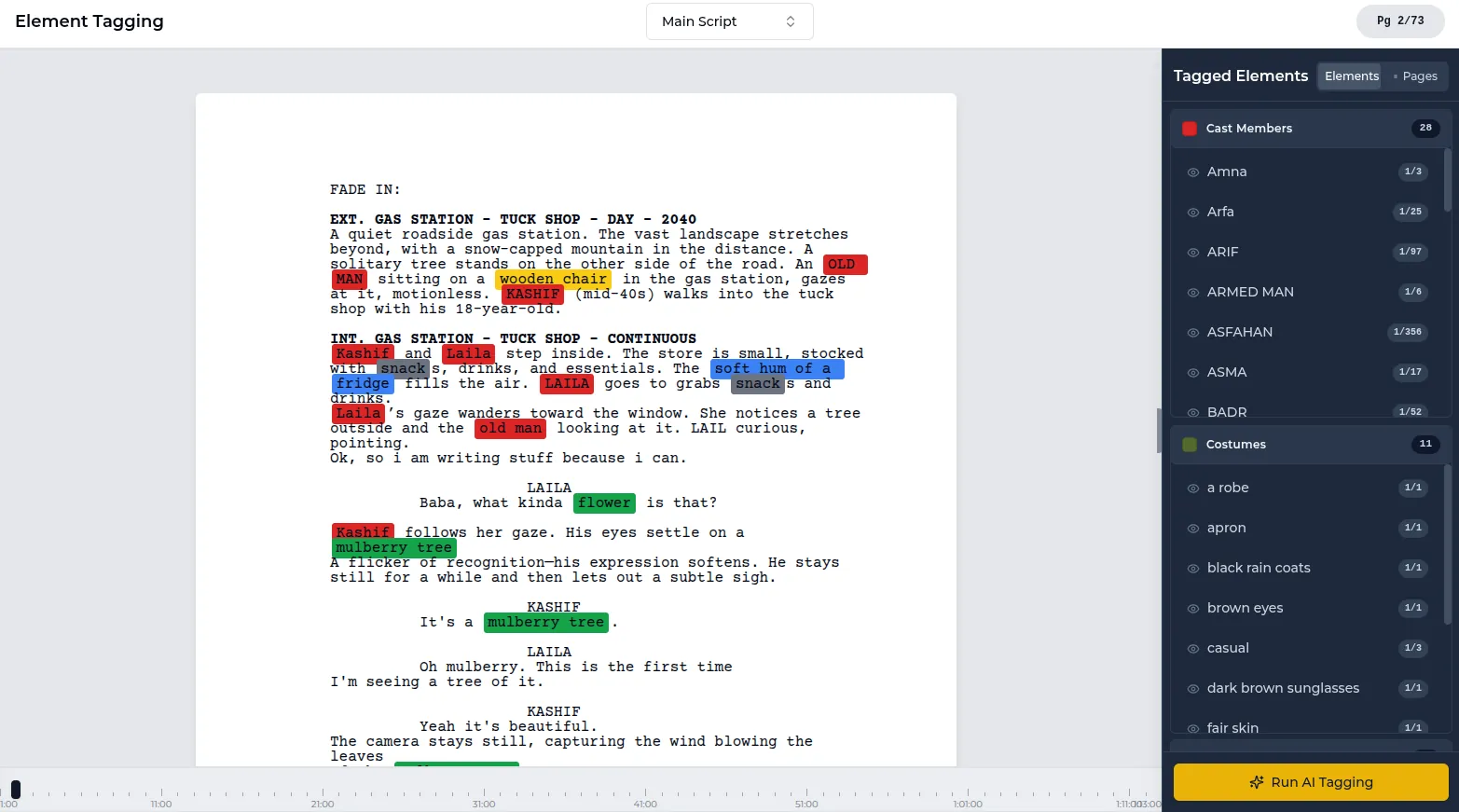
In the Lowerated scriptwriter, you save drafts as you go, mark revisions with the standard colors, and can return to any earlier version of the script.
- Save a draft whenever you reach a version worth keeping, such as the locked shooting script.
- When changes come in after lock, mark them as a revision using the next color in the sequence.
- If a producer asks for last week's draft, open it from your saved versions.
The clip shows drafts saved as you write, revisions marked with the standard colors, and an earlier version opened again.
FAQ
What color is the first revision of a script?
Blue, in the most common sequence. The locked shooting script is white, and the first set of changes after that goes out on blue pages.
What comes after cherry in script revisions?
It varies by production. Some continue with tan, gray and ivory, while others restart the cycle with double white. Check with the production office.
Do I need revision colors for a short film?
If more than a few people are working from the script, yes. Even a simple blue and pink system stops crew members from shooting an old version of a scene.
Do spec scripts use revision colors?
No. A spec script sent to readers or contests should be a clean draft with no colors, asterisks or scene numbers.
Key takeaways
- The standard order is white, blue, pink, yellow, green, goldenrod, buff, salmon, cherry, then it varies.
- Colors start only once the shooting script is locked.
- Reissue only changed pages, with a dated header and asterisks on changed lines.
- Keep page and scene numbers locked with A pages and OMITTED.
- Tell the AD department about every revision so the schedule and call sheets stay in sync.