How to Storyboard if You Can't Draw


By Muhammad Wisal and Muhammad Ali / 6 min read
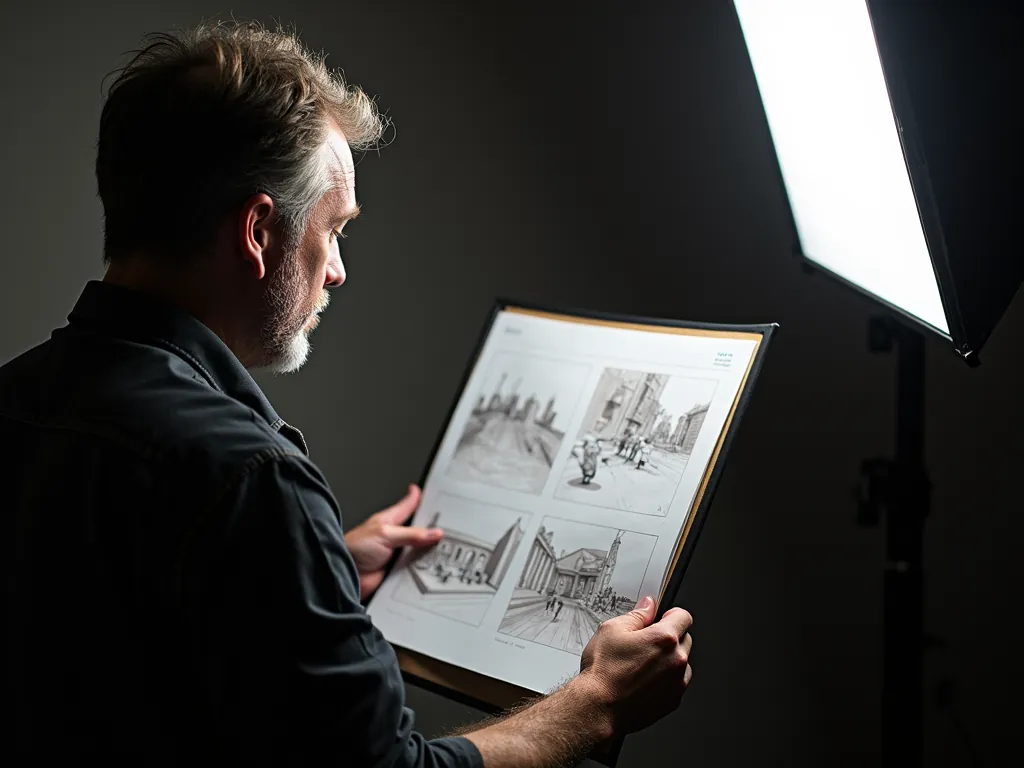
You can storyboard without drawing by using simple shapes and arrows, staged photos, a 3D or previs app, reference frames from other films, or AI-generated frames built from your shot list. A storyboard only has to show framing, who is where and what moves. Nobody on the crew needs it to be pretty.
What does a storyboard actually need to show?
A storyboard needs to show four things per shot: the frame size, where the subjects sit in the frame, which way they face, and what moves (the actors, the camera or both). Shading, faces and backgrounds are optional. If your DP can look at a panel and tell you the shot size, the lens feel and the direction of movement, the panel works.
That is good news for anyone who cannot draw. Professional storyboard artists bring speed and style, but the information in a board is basic geometry. For why boards matter at all, read why storyboarding is important.
What are the ways to storyboard if you can't draw?
There are six practical methods. Pick based on your time, your locations and how much detail your team needs.
| Method | How it works | Best for | Watch out for |
|---|---|---|---|
| Shapes and arrows | Circles for heads, rectangles for bodies, arrows for movement, inside a frame of the right aspect ratio | Fast thumbnails, dialogue scenes, any budget | Keep sizes consistent so a close-up looks like a close-up |
| Photo storyboard | Stand-ins pose at the location (or a similar room) and you shoot each frame on a phone | Scenes where the real space matters | Match the phone's framing to your planned lens and aspect ratio |
| 3D or previs app | Place figures and a virtual camera in a 3D set and grab frames | Complex blocking, stunts, vehicle shots | Learning curve; it is easy to spend days on one scene |
| Storyboard app with stock figures | Drag in figures, props and backgrounds; free apps such as Storyboarder offer simple drawing tools and shot templates | People who want clean boards without a 3D set | Stock figures can look generic; add notes |
| Reference frames | Collect frame grabs from films with similar framing and label them per shot | Communicating mood and composition | Use for internal planning only; do not publish other people's frames |
| AI-generated frames | Generate an image per shot from a written description or shot list | Quick full-scene boards, teams who think in words | Check every frame against the shot list; fix or regenerate wrong ones |
Most directors mix methods: shapes for the simple scenes, photos for the scene in the tight kitchen, a 3D set for the car chase.
How do you storyboard with shapes and arrows, step by step?
- Start from the shot list. One panel per shot, numbered the same way (14A, 14B, 14C). If you have no shot list yet, write one first; see from storyboarding to shot lists.
- Draw frames at the right shape. A widescreen film needs wide rectangles. Many people print a page of empty frames and fill them in.
- Draw a horizon line. A line across the frame tells you where the camera's eye level is. A low horizon reads as a low angle.
- Size the head to the shot. In a close-up the head fills most of the frame height. In a medium shot it is small, with the body cut at the waist. In a wide shot the whole figure is small. Use the same scale every time. Our guide to shot sizes and angles has the standard sizes.
- Add a nose line. A short line on the head shows which way the character is looking. It is the cheapest way to show eyelines.
- Add arrows for movement. A plain arrow inside the frame for actor movement, an arrow with a box or a different color for camera movement (push in, pan, dolly).
- Write the caption. Under each panel: shot number, size, angle, movement, and the line or action it covers.
What does a stick figure storyboard look like in practice?
Here is a worked example from a fictional short, "The Lockkeeper". In scene 14, a canal lockkeeper, Brigid, watches a narrowboat drift toward the gate with nobody at the tiller. Her apprentice, Kofi, runs along the towpath. Each row is one panel, described the way you would sketch and caption it.
| Panel | What you sketch | Caption |
|---|---|---|
| 14A | Low horizon. Tiny boat shape at center, long canal lines narrowing to it. Small figure (Brigid) frame left | WIDE, low angle, static. Boat drifts toward lock |
| 14B | Head and shoulders, head filling half the frame, nose line pointing right | MCU Brigid, eye level. She sees the empty tiller |
| 14C | Rectangle (boat) with an empty circle at the back. Arrow showing boat moving left to right | POV, medium. No one at the tiller |
| 14D | Medium figure running, arrow along the towpath, camera arrow tracking the same way | MS Kofi, tracking left to right. "Brigid! The gate!" |
| 14E | Two hands on a long beam shape, arrow showing the push | INSERT, hands on the balance beam. She starts to close the gate |
Five quick panels, and the DP already knows there is a tracking shot, a POV and an insert to plan for. Notice that 14C and 14D keep the movement left to right, so screen direction stays consistent.
What are common mistakes when storyboarding without drawing skills?
- Drawing the scene, not the shots. One big picture of the room is a floor plan, not a storyboard. Each panel is one camera position.
- Inconsistent scale. If a close-up head and a medium shot head are the same size, nobody can read the board.
- No captions. A rough panel with a clear caption beats a beautiful panel with none.
- Ignoring the aspect ratio. Boarding a 2.39:1 film in square frames leads to compositions you cannot shoot.
- Boarding everything. Board the shots that need explaining: action, effects, complex movement, key moments. A simple dialogue scene may only need a shot list and an overhead diagram.
Where does the storyboard fit in pre-production?
The storyboard comes after the shot list and before the tech scout. The shot list says which shots you need. The storyboard shows what each one looks like. The overhead diagram shows where the camera and actors stand. Together they give the DP, the 1st AD and the art department the same picture of the scene, so questions get answered in prep instead of on the day.
How to storyboard without drawing in Lowerated
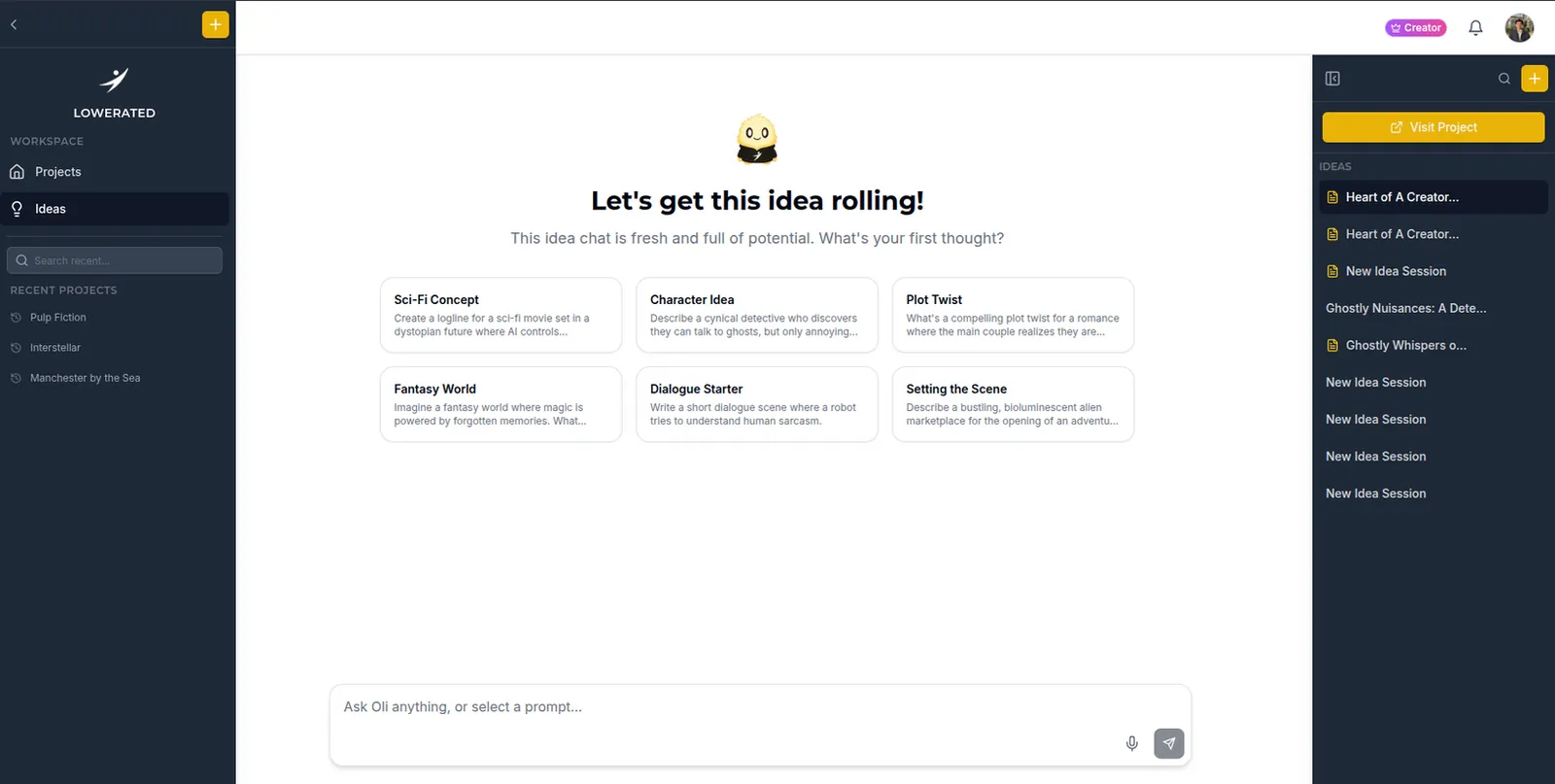
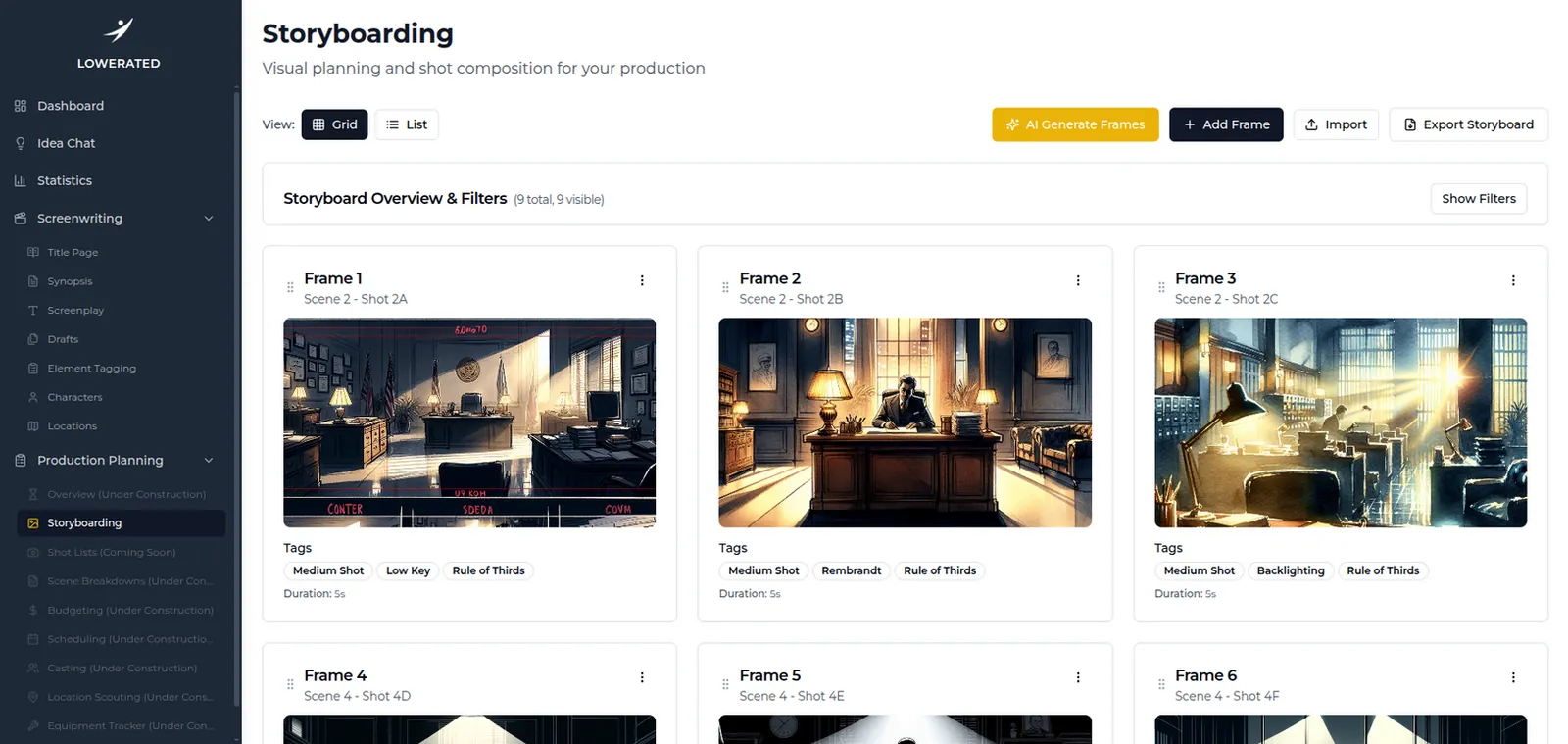
In Lowerated you can generate storyboard frames from your shot list, so the boards follow the shots you already planned. Storyboards are part of the Producer plan.
- Write or import your script. Scenes come from the screenplay.
- Build the shot list for the scene. Shot types, framing and movement for each shot.
- Generate frames from the shot list. The frames follow the shots you planned.
- Check each frame against your plan. Compare size, angle and who is in frame with the shot list, and fix anything that is off before the shoot, so the whole team is looking at the same picture.
The clip shows storyboard frames generated from a shot list, so the whole team sees the same picture before the shoot.
FAQ
Do professional films use stick figure storyboards?
Yes, often in early prep. Many directors sketch rough thumbnails themselves and only hire an artist for complex sequences.
Is a photo storyboard better than a drawn one?
It is better when the real space matters, because it shows true distances and light. It takes more time, since you need stand-ins and access to a similar room.
Do I need to storyboard every scene?
No. Board action, effects, complex camera moves and key story moments. Simple scenes can work from a shot list alone.
Can AI-generated storyboards replace a storyboard artist?
They can cover quick planning boards for small productions. For detailed action or effects sequences, a skilled artist or previs team still gives more control.
Key takeaways
- A storyboard only has to show frame size, placement, facing direction and movement.
- Shapes and arrows, photos, 3D apps, reference frames and AI frames all work.
- Keep head sizes consistent and caption every panel.
- Work from the shot list, one panel per shot, using the same numbers.
- Board the shots that need explaining and skip the rest.