Low-Budget VFX: How to Do Visual Effects on a Small Budget


By Muhammad Wisal and Muhammad Ali / 7 min read
Low-budget VFX works when you plan every effect before the shoot, keep the number of VFX shots small, shoot clean plates and reference on set, and do the simple shots yourself in free tools such as DaVinci Resolve's Fusion page or Blender. Save money for the one or two shots that need a skilled compositor, and do anything you can practically, in camera, instead.
What counts as VFX on a small film?
On an indie, most visual effects are invisible fixes and small additions, not creatures or explosions. Knowing which category a shot falls into tells you how hard it will be and who should do it.
| Shot type | What it involves | Difficulty | Low-budget approach |
|---|---|---|---|
| Cleanup and paint-out | Removing a logo, a boom shadow, a modern sign | Low to medium | Shoot a clean plate, paint out in Resolve or After Effects |
| Screen replacement | Putting content on phone, laptop or TV screens | Low | Shoot screens dark or with tracking markers, track and replace |
| Sky replacement | Swapping a flat sky for a dramatic one | Medium | Locked-off camera, clean sky line, match the light direction |
| Muzzle flashes and blood hits | Adding gunfire or impacts | Medium | Stock elements composited over plates, with safe prop guns on set |
| Green screen keying | Placing actors in another background | Medium to high | Even screen lighting, distance from the screen, matching light on actors |
| Crowd duplication | Turning 15 extras into a full street | Medium | Locked-off camera, shoot several passes, move extras between takes |
| Set extension | Adding floors to a building or a skyline to a window | High | Camera track plus matte painting, hire a specialist |
| CG creatures or vehicles | Animated 3D objects in live action | High | Rewrite if you can, or budget for a professional |
A useful rule: the more a shot moves, the more it costs. A locked-off shot with a simple fix is cheap. A handheld shot with a CG object walking through it is not.
Should you use practical effects instead?
Yes, whenever a practical effect looks right and is safe. Rain towers, smoke, a fake window with a printed backdrop, a breakaway prop or a reflection on glass are often cheaper and more convincing than the digital version. Many good low-budget effects are hybrids: a practical smoke element on set, then a digital cleanup of the rig that made it.
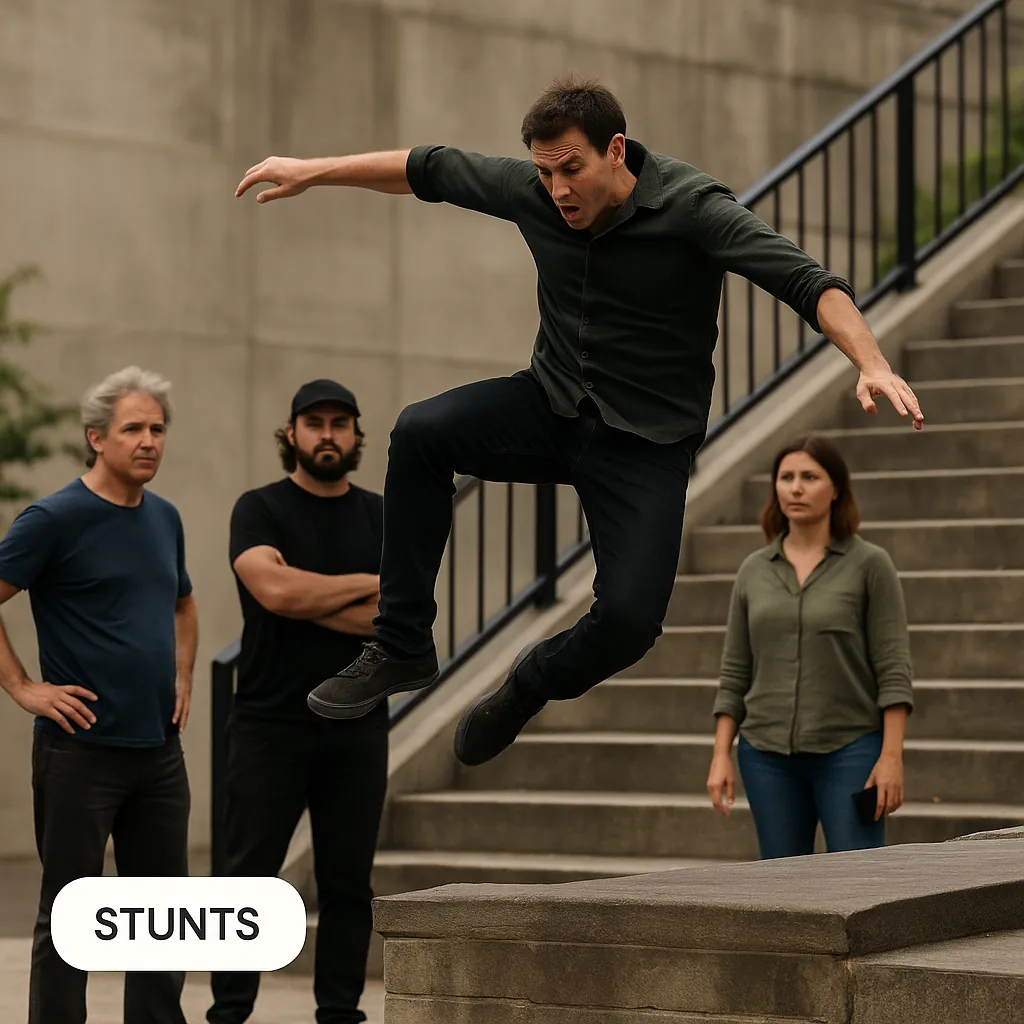
Anything involving fire, firearms, pyrotechnics or stunts needs qualified people and local permissions, which vary by country and city. Ask your local film office and insurer before you plan it. See stunts and safety planning for more.
How do you plan VFX shots in pre-production?
You plan VFX by making a VFX breakdown: a list of every effect shot, how it will be done, and who will do it. It starts from the script and gets more precise as shot lists and storyboards are finished.
- Flag every effect in the script. During the script breakdown, mark anything that needs VFX, even "small" things like a phone screen or a modern sign in a period scene.
- Give each shot an ID. Use a simple code, such as scene number plus a letter, so the same ID appears on the shot list, the slate, the camera report and the editor's timeline.
- Decide the method per shot. Practical, digital, or both. Write it down.
- Cut what you cannot afford. If a shot only works with a level of VFX you cannot pay for, rewrite it now. A door that closes before we see the creature is cheaper than the creature.
- Get one test done. For the hardest shot, shoot a quick test and have your compositor try it. It shows you early whether the plan works.
- Pick one person responsible on set. Without a VFX supervisor, someone, often the DP or a trusted crew member, must make sure every VFX shot gets its plates and reference before the camera moves on.
How do you shoot for VFX on set?
Good plates make cheap VFX possible. Most low-budget VFX problems come from footage that was never shot with the effect in mind.
- Lock the camera when you can. A tripod shot avoids camera tracking, which is one of the most time-consuming parts of compositing.
- Shoot a clean plate. After the take, record a few seconds of the same frame with no actors or rigs. It is the background you will paint back in.
- Add tracking markers for moving shots. Small marks on walls or screens give tracking software something to follow. Keep them off faces and hair.
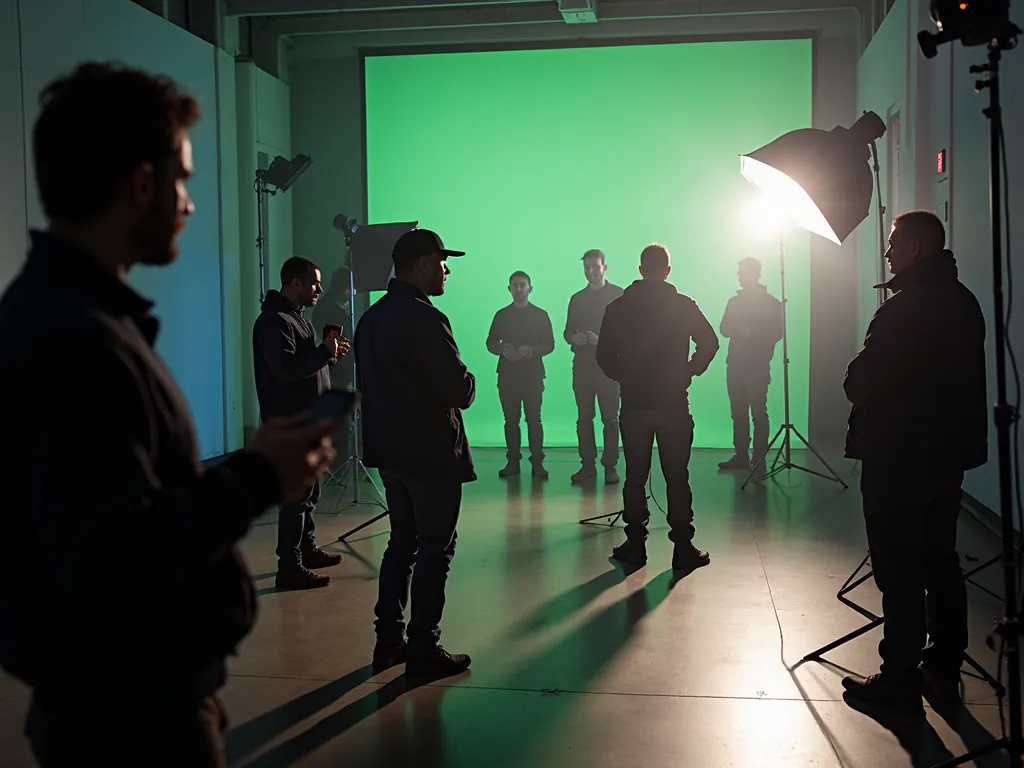
- Light green or blue screens evenly. Keep actors a few feet away from the screen to reduce color spill, and light them to match the background they will be placed in.
- Record the camera data. Lens, focal length, height, tilt and distance to subject. Note it on the camera report or a phone photo of the setup.
- Shoot at the highest quality you have. Heavier compression makes keys and tracks harder. Avoid sharpening and strong in-camera noise reduction.
- Grab reference photos. Wide stills of the set, the lighting setup and any surfaces that will be replaced.
Which software is best for low-budget VFX?
Several strong VFX tools are free or low cost. The details below are as of 2026; check each vendor's site for current terms.
| Tool | What it does well | Cost | Suits |
|---|---|---|---|
| DaVinci Resolve (Fusion page) | Node-based compositing, keying, tracking, paint, in the same app as editing and grading | Free version; paid Studio version is a one-time purchase | Indie editors who want one app for the whole finish |
| Blender | 3D modeling, animation, camera tracking and a built-in compositor | Free and open source | CG objects, set extensions, 3D tracking on no budget |
| Adobe After Effects | Layer-based compositing, motion graphics, screen replacements, many plugins | Subscription | Editors already in Premiere Pro, motion graphics work |
| Nuke (Foundry) | Industry standard node-based compositing for feature work | Paid commercial licenses; a free Non-commercial version for learning | Professional compositors, people training for VFX jobs |
| Mocha Pro (Boris FX) | Planar tracking, rotoscoping and object removal | Paid, available as a plugin | Screen replacements and cleanup on moving shots |
The Nuke Non-commercial license is not meant for paid or commercial projects, so read its terms before using it on a film you plan to sell. For more post tools, see software for post-production.
What does a low-budget VFX breakdown look like?
Here is a sample for a 12-minute short called "The Lantern Keeper", about a lighthouse keeper named Odile who sees a ship that is not there.
| VFX ID | Scene and shot | Effect | Method | Who |
|---|---|---|---|---|
| 04A | Sc. 4, wide of the lighthouse at night | Rotating beam across the fog | Practical haze on set, beam added in Fusion | Editor |
| 07B | Sc. 7, Odile at the window | Ghost ship on the horizon | Locked-off plate, ship built in Blender, composited | Freelance compositor |
| 07C | Sc. 7, reverse on the sea | Same ship, closer | Same Blender model, new angle | Freelance compositor |
| 11A | Sc. 11, harbor exterior | Remove modern wind turbines | Clean plate, paint-out | Editor |
| 13A | Sc. 13, logbook close-up | Ink fades from the page | Two passes, with and without ink, dissolved | Editor |
Five shots, two people, and only two shots that need real compositing skill. That is the shape of a manageable indie VFX plan.
How do you get VFX done on a small budget?
- Lock picture first. Do VFX only on shots that are in the final cut, at their final length, after picture lock. Changing the cut later means paying for the work again.
- Send plates with handles. Export each VFX shot with a few extra frames at each end, in a high-quality format, with the shot ID in the filename.
- Brief each shot in writing. One line on what the shot needs, plus reference images.
- Pay per shot, with a set number of revisions. Freelancers can quote more accurately when the brief and the revision limit are clear.
- Grade after VFX. Composited shots should come back before the final grade so they match the rest of the film.
What are common low-budget VFX mistakes?
- Saying "we'll fix it in post" on set instead of shooting a clean plate.
- Handheld camera on a shot that needs a complex composite.
- Green screen lit unevenly or actors standing too close to it.
- Starting VFX before picture lock, then recutting.
- Spending the VFX budget on many small fixes and having nothing left for the shot that matters.
Lowerated does not do VFX, but if you plan there you can add a custom element type for VFX when you tag the script, so every effect shows up in the scene breakdown.
FAQ
Can I do VFX for free?
Yes. DaVinci Resolve's free version includes Fusion for compositing, and Blender is free for 3D and compositing. The cost is your time learning them.
Do I need a VFX supervisor on a short film?
Not a dedicated one, but someone on set must own the VFX shots and make sure plates, markers and camera data are captured.
Is green screen worth it on a low budget?
Only when the shot cannot be done on location. A real location is usually cheaper and looks better than a poorly lit green screen.
When should VFX start in post-production?
Tests can start during the edit, but final shots should start after picture lock and finish before the color grade.
Key takeaways
- Plan every effect in a VFX breakdown before the shoot, with an ID, a method and an owner.
- Locked-off shots, clean plates and camera data make cheap VFX possible.
- Use practical effects where they look right and are safe.
- Free tools like Resolve Fusion and Blender handle most indie VFX; hire help for the hardest shots.
- Start final VFX after picture lock and finish before the grade.